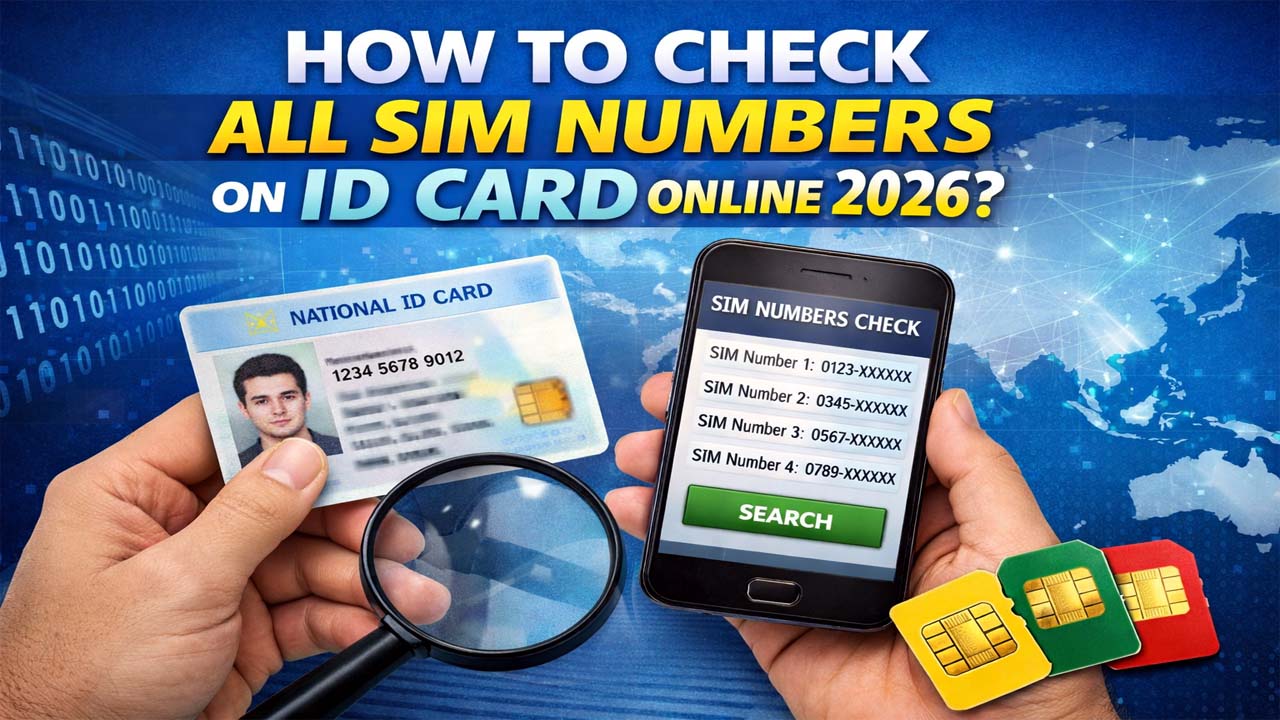
How to Check All SIM Numbers on ID Card Online 2026
The most efficient way to verify your mobile connections is through the official PTA SIM Information System. How to Check All SIM Numbers on ID Card online This web-based portal provides a real-time count of all SIMs registered against your Computerized National Identity Card (CNIC) across all major mobile network operators (MNOs) in Pakistan, including Jazz, Telenor, Zong, Ufone, and SCO.
Step-by-Step Guide to Online Verification:
- Visit the Official Portal: Go to https://cnic.sims.pk/.
- Enter Your CNIC: In the provided field, type your 13-digit CNIC number without any spaces or dashes (e.g., 4210112345678).
- Human Verification: Check the “I’m not a robot” CAPTCHA box.
- Submit: Click the “Submit” button.
- View Results: A table will appear displaying the count of Voice SIMs and Data SIMs registered on your ID for each network.
Pro Tip: For residents of Azad Jammu & Kashmir (AJK) and Gilgit-Baltistan (GB), the results will also include SCO (Special Communications Organization) SIM counts, which are vital for local connectivity.
Checking How to Check All SIM Numbers on ID Card: Why You Should Use the Web Portal
While SMS is convenient, the online portal offers a visual breakdown that is easier to document. If you are an SEO strategist or business owner managing multiple lines for your portals like applykrdo.com or sjpjobsportal.com, keeping a screenshot of this record helps in maintaining corporate compliance.
- Zero Cost: Unlike SMS services which may carry a small fee, the web portal is completely free.
- Detailed Breakdown: It distinguishes between “Voice” and “Data” (Dongle/EVO) SIMs.
- Accessibility: You can access it from any smartphone or desktop with an internet connection.
Checking SIM Information via SMS
If you don’t have an active data plan, the PTA has provided a robust SMS-based solution. This is often the fastest method for users on the go.
Using the 668 Service
To check your registered SIM count via SMS:
- Open your mobile messaging app.
- Type your 13-digit CNIC number (no dashes).
- Send this message to 668.
- You will receive a reply listing the total number of SIMs registered on your CNIC for each operator.
Network-Specific Verification Codes
Sometimes, you need to know the status of the specific SIM you are currently using. Each operator provides unique USSD codes and SMS services for this:
| Network | Method | Result |
| Jazz | SMS CNIC to 6001 | Check BVS (Biometric) verification status. |
| Telenor | SMS CNIC to 7751 | Check if the current SIM is verified. |
| Zong | SMS “V” to 7911 | Detailed verification status. |
| Ufone | Dial *336# | Access a menu to check registration details. |
SIM Registration Limits: The 2026 PTA Rules
As of 2026, the PTA has strictly enforced the maximum number of SIMs an individual can own to prevent the “grey market” and unauthorized SIM trading.
- Individual Limit: A maximum of 5 Voice SIMs and 3 Data SIMs per CNIC.
- Corporate Limit: Businesses can exceed these limits, but only after providing extensive documentation and justification for each line.
What happens if you exceed the limit?
If you have more than 5 SIMs, the PTA may issue a warning. Failure to “disown” the extra SIMs can lead to the automatic blocking of all numbers linked to your CNIC until the count is brought back within legal limits.
Understanding Verification Results
When you receive your results from 668 or the web portal, you might see terms that require clarification:
- Verified: The SIM is biometrically verified and active.
- Unverified: The SIM was issued before the BVS (Biometric Verification System) mandate and must be verified at a franchise immediately.
- Data SIM: These are specifically for internet devices (dongles, MBB devices) and do not count toward your 5-voice-SIM quota.
SIM Blocking and Security: How to Protect Your Identity
If your search reveals a SIM number that you do not recognize or no longer use, you must act immediately. Unauthorized SIMs are often used for fraudulent activities, and as the legal owner, you could be held responsible.
How to Disown an Unauthorized SIM:
- Visit the Franchise: You must physically go to the customer service center or franchise of the respective network (e.g., a Jazz Center for a Jazz SIM).
- Carry Original CNIC: You cannot block a SIM via phone call for security reasons; your original ID card is required.
- Submit Request: Inform the representative that you wish to “disown” the specific number.
- Check for Charges: Note that a SIM Disowning Charge of up to Rs. 200 may apply if the SIM was issued within the last 6 months. However, this is waived if you can prove the SIM was issued illegally without your consent.
Why Regular Verification Matters
In the digital age, your mobile number is linked to your bank accounts, social media, and government portals like Nigehban or BISP.
- Prevention of SIM Swap Fraud: Hackers often try to clone or swap SIMs to gain access to OTPs (One-Time Passwords).
- Legal Safety: Ensures your name isn’t used in cybercrimes or harassment cases.
- Resource Management: Helps you free up your “quota” so you can buy a new SIM on a better network when needed.
- Clean Digital Footprint: Essential for professionals managing sensitive platforms like combinejpg.com or livetrackerr.com.
Frequently Asked Questions (FAQs)
Can I check the actual phone numbers online?
For privacy and security reasons, the PTA portal only shows the count of SIMs per network. To see the actual numbers, you must visit the respective mobile operator’s franchise with your original CNIC.
Is there a fee for checking SIMs on 668?
Yes, sending an SMS to 668 usually costs approximately Rs. 2 + tax. The online portal at cnic.sims.pk remains free of charge.
How do I check SIM owner details for a specific number?
To check the owner’s name of the SIM you are currently using, send an SMS with the text “MNP” to 667. You will receive a reply with the owner’s name and CNIC.
My SIM is blocked for 180 days of inactivity. What should I do?
Under the 2026 PTA Inactivity Policy, SIMs unused for 180 days are deactivated. To reactivate, visit a franchise, perform a biometric verification, and recharge your balance.
Can a foreigner check SIMs registered on their Passport?
Yes. On the cnic.sims.pk website, there is a separate option for “Foreign ID”. Foreigners should use their passport number to check their registered SIM count.
Conclusion
Staying informed about your registered SIMs is a cornerstone of digital hygiene in Pakistan. Whether you are checking via the PTA web portal or the 668 SMS service, make it a habit to verify your details at least once every three months. If you find any discrepancies, visit a franchise immediately to secure your identity.